






EOT end to end Client loginBook a call
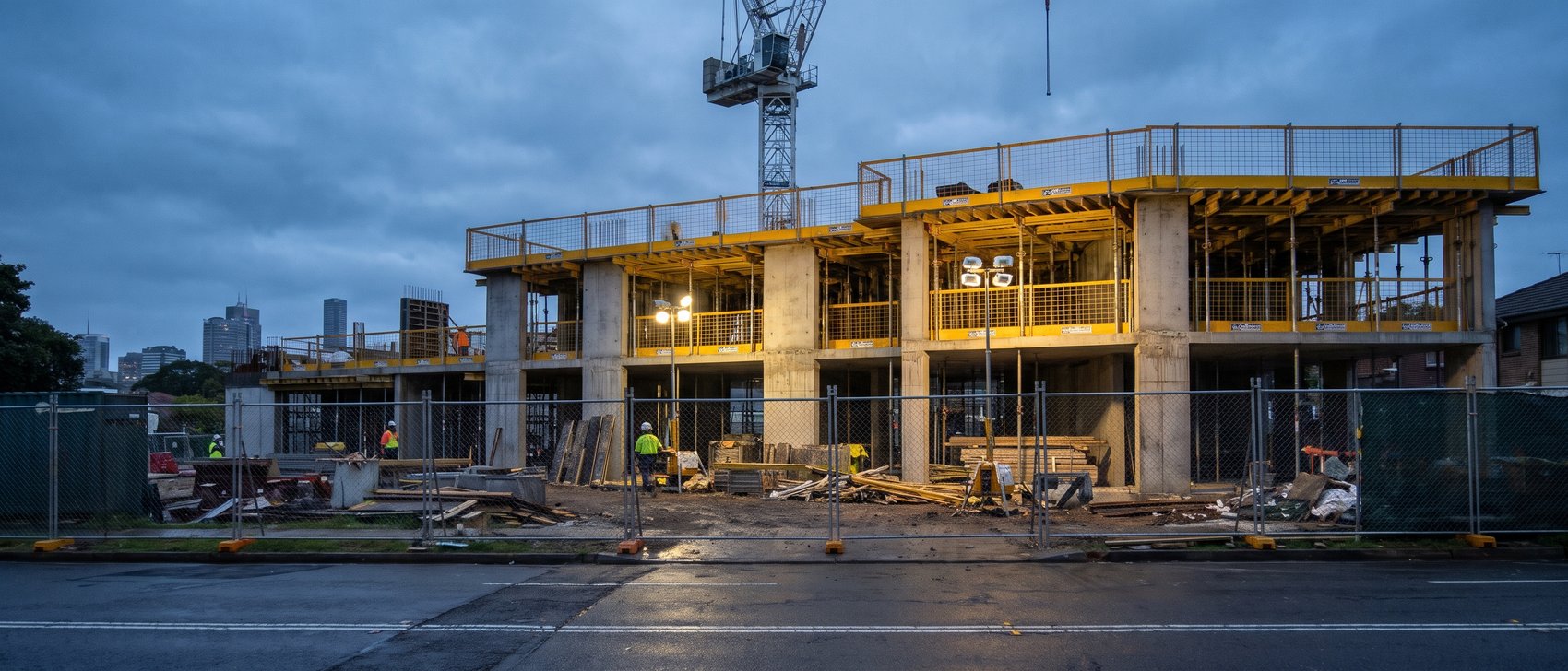
A multi-storey building under construction at dusk, a tower crane above it and workers on the ground.

When an EOT is on the line,the notice comes first.

We start with the job, the delay and the notice clause. We check the notice date before anything else, then gather the record. A person decides what goes out.

Enter when the delay started, when you knew, and your contract's notice period. You see the last day for EOT notice, worked out on the spot. No call required.

10steps, one claim
7roles: your people, the system, StrongIQ
9ways to submit. You decide
0things sent without a person's yes

Watch one EOT,end to end.

The ask, the notice date, the evidence, the options, and a person's yes before anything goes. The ten steps further down each play their part of the film.

Start with the delay.Then fill the gaps.

  • The job record is checked first.
  • Only what can't be found gets asked, starting with which delay.
  • The PM reviews the draft.
Job42, sample
StepThe ask
Sheet no.E-01
Sample: made-up job

A job, not a queue.The draft comes back to the PM.

The PM keeps working. The draft comes back for review with every step shown. The PM approves it, or asks for changes in plain words. Nothing goes to the builder until a person says yes.

Job42, sample
StepReview
Sheet no.E-02
Sample: made-up job

Ten steps, one claim.Press play and follow one delay.

Every step from the delay to the record, with the notice window counted in business days and the critical path shown. Press play to follow one delay along the timeline in seven moves, from the delay to the decision. Under it, the ten steps of the whole claim, each with its part of the film.

Steps10
Roles7
Sheet no.E-03

Then, if you want it, jump to any step in the film.

A thick contract with coloured tabs and a pen on a dark table.
Steps 1 to 3Before any analysis
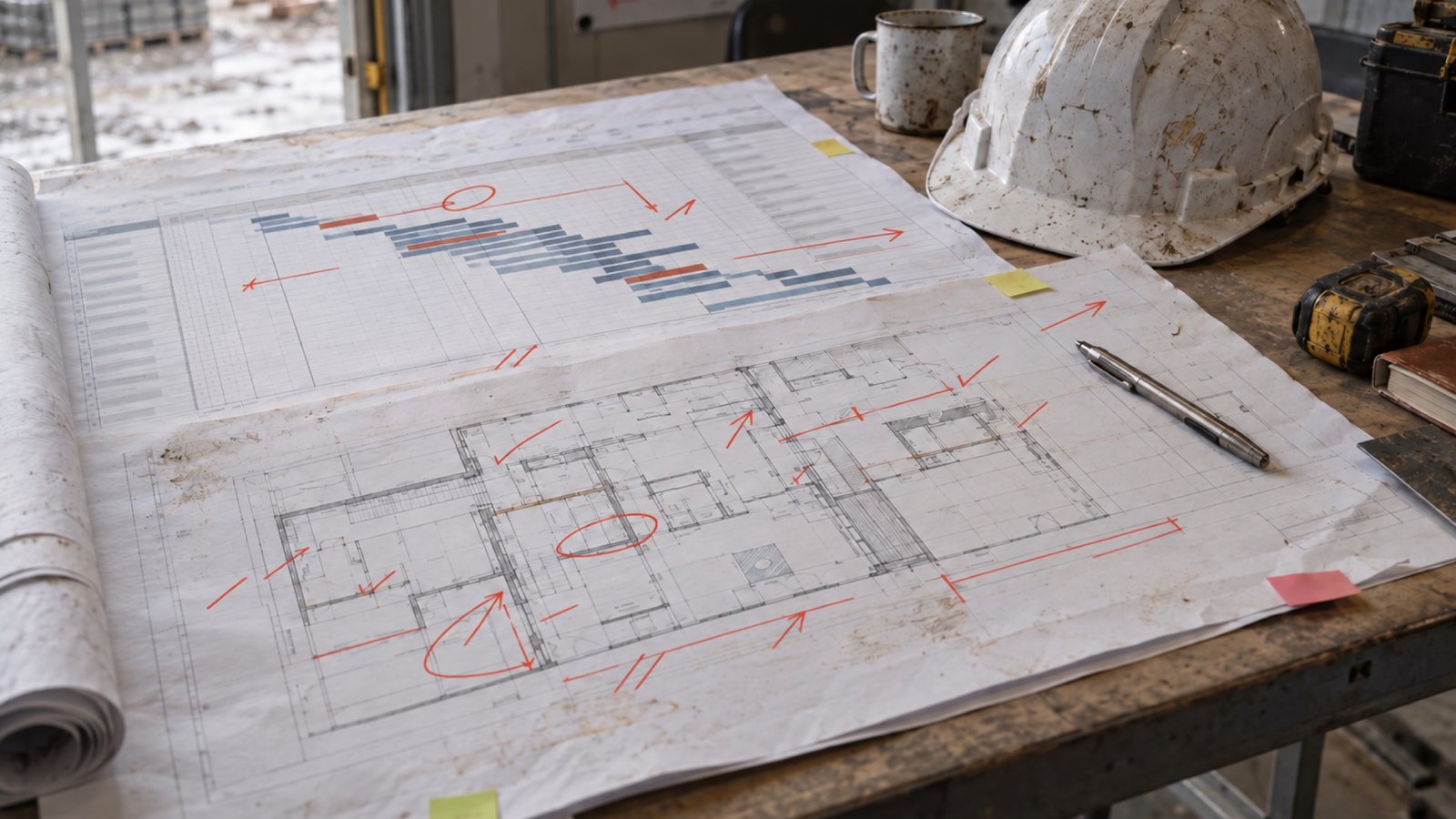
A printed job programme and floor plan, marked up in red pen, on a site office table beside a hard hat.
Steps 4 and 5The record
A bound claim with coloured tabs on a dark desk beside printed charts.
Steps 6 and 7The claim
Three people in hi-vis at a site office table looking over drawings.
Steps 8 to 10The person

Who does each step:one row for each role.

Steps10
Roles7
Sheet no.E-03A
Your PMYour assistantContract admin assistantYour recordsYour job softwareStrongIQ sign-offYou1234567891012345678910
1IntakeThe contract, the job, the delay event, the date you became aware. Who: Your PM and your assistant.
2Time barsRead from your actual contract and stated as facts, with the clause. Who: Contract admin assistant and your records.
3Notice of delay firstBefore any analysis. Your authorised person signs and sends. Who: Contract admin assistant and you.
4EvidenceDiaries, programme, notes, prior EOTs and documents, from your files and job records. Who: Your assistant, your records and your job software.
5Delay analysisThe method named. Critical-path impact shown, or stated as not provable on the record. Who: Contract admin assistant.
6Claim packEvent, cause, notice compliance, entitlement clauses, dates, days and costs, record gaps, appendices. Who: Contract admin assistant.
7Quality checkThen StrongIQ sign-off. Who: StrongIQ.
8You decideWhether and how to submit, and you sign. Who: You and your PM.
9RecordedAgainst the job, with the claim attached. Who: Your job software.
10Followed upThe claim and the decision stay on the job record. A lesson is checked before it is kept. Who: Your job software and your PM.
1 of 10

What caused the delay?The cause decides the evidence.

The cause is identified before a word is drafted.

StageTriage
Causes8
Sheet no.E-04
A hand holding a phone on a site at dusk, the StrongIQ app open on a sample job.
On site, the PM answers on the phone.
  • It reads what is on file first.
  • It asks only what it can't find.
  • It checks the notice window for each cause straight away.
  • It never drafts or sends at this stage.
Sample: made-up job

Eight causes.Pick one. See what it asks, fetches and builds.

For each cause: what it asks, what it fetches, how the days get worked out, and what it builds.

Causes8
Columns4
Sheet no.E-05

Inclement weather. Rain, wind or heat stopped work.

1What it asks

  • Which days could not be worked, and from what time?
  • Whole site stopped, or only your areas?
  • Were crews sent home, or moved to dry work?

2What it fetches

  • Site diary: rain start and stop, crews stood down
  • Daily rainfall, nearest station
  • Programme: which outdoor activities were critical
  • Dated photos: rain, flooding, attempt to work

3How the days get worked out

The lost days that hit critical work, any overlap with other causes, and the working days your contract counts.

4What it builds

The claim package for your authorised person to sign. The full document list comes with the $1,500 EOT review.

Six places.The cause says which to open.

Evidence is made on the day.

Places6
RuleThe cause decides
Sheet no.E-06
ABCThe claimThe cause says which to open.Your job softwarediary, programme, registerYour filescontract, registers, lettersEmailthrough the PM's own loginBureau of Meteorologyrainfall, nearest stationDated photosa day and a placeThe contractits own words decide
  1. 1Your job softwareDiary, programme, register.
  2. 2Your filesContract, registers, letters.
  3. 3EmailThrough the PM's own login.
  4. 4Bureau of MeteorologyRainfall, nearest station.
  5. 5Dated photosA day and a place.
  6. 6The contractIts own words decide.
A rain gauge on a wet concrete deck, cranes and a city skyline behind.
Weather: daily rainfall from the Bureau of Meteorology, nearest station.
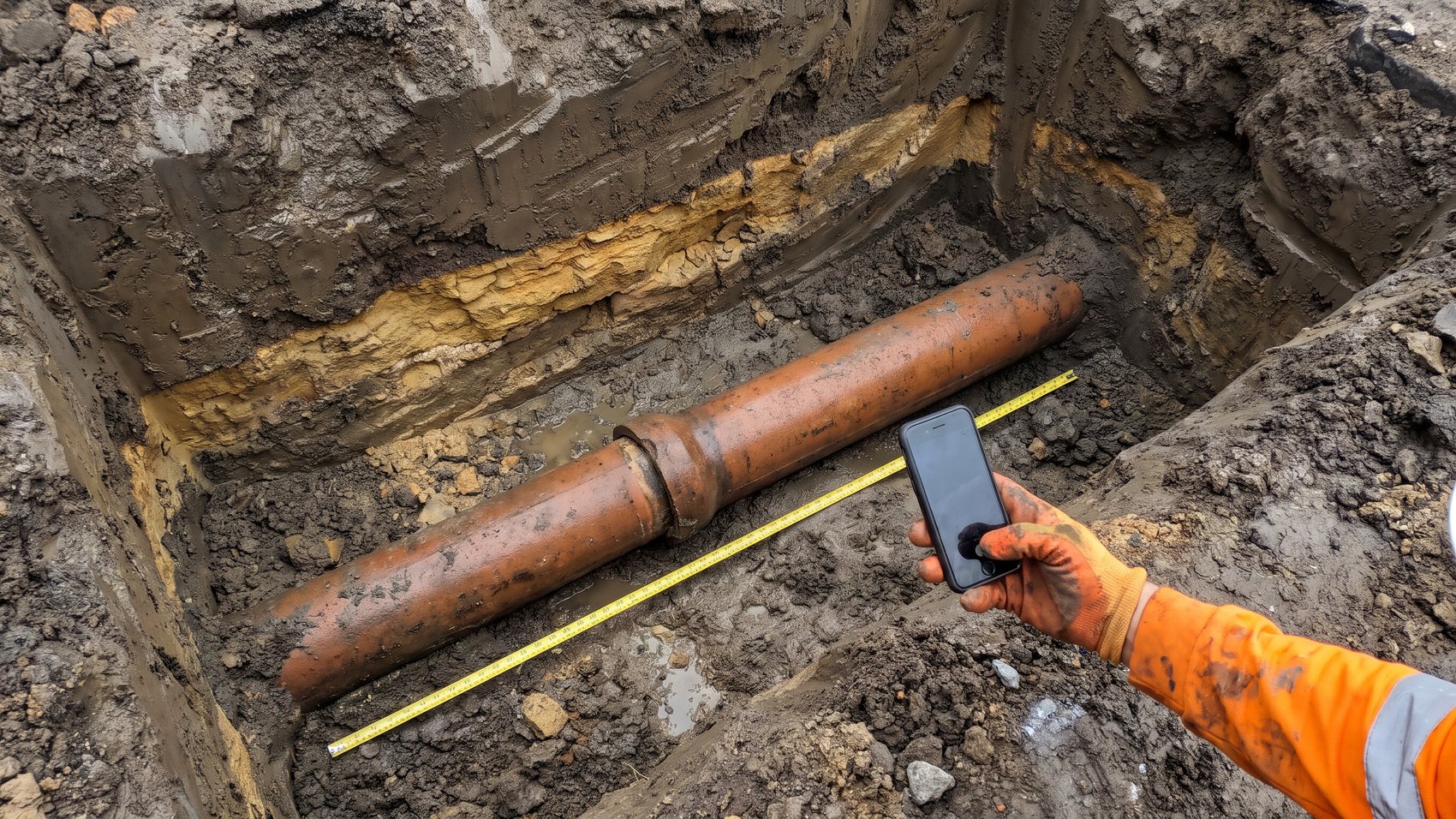
A gloved hand photographing a buried pipe in a trench, a tape measure across it for scale.
Photos count when they are made on the day: time, place, scale.

Real jobs have gaps.It says so. The PM decides.

Cases4
DecidesThe PM
Sheet no.E-07

It stops, lists exactly what's missing and asks. It never analyses records that don't exist.

Nine ways to submit.You decide.

Nine ways to put a claim in. The $1,500 EOT review sets out the package for each, when it fits and what follows. The choice is yours.

Options9
DecidesYou
Sheet no.E-08

Check those dates before you decide what to send.

If you decide on notice now, claim later: keeps your position open while the facts settle.

The package for this option, when it fits and what follows from it are set out in the $1,500 EOT review.

It never certifies. It never grants an extension. It never sends anything.People do.

Rungs4
Last wordYou
Sheet no.E-09
An owner at a desk by a window looking at a laptop, a building site and a crane outside at sunset.
Your assistantPrepares a first draft.DraftedYour PMChecks it and corrects it.CheckedStrongIQChecks it and signs off.Signed offYouDecide, sign and send.Sent by youThe last word is yours.
  1. 1Your assistantPrepares a first draft.
  2. 2Your PMChecks it and corrects it.
  3. 3StrongIQChecks it and signs off.
  4. 4YouDecide, sign and send.

After it goes in.Recorded against the job.

Step9 and 10
WhereThe job record
Sheet no.E-10

The claim and the decision are recorded against the job.

  • The claim attached, with its date.
  • The builder's answer, when it comes.
  • A lesson is checked before it is kept.
Sample: made-up job

Work we've done.Real jobs, not samples.

Real jobs for real trade businesses. Names and sites are left out, because this is their business and not ours to share.

JobsReal
NamesLeft out
Sheet no.E-11
5 + 1

A delay and variation job: no notices on file

What happened. A subcontractor was claiming variations, but on every active job the folders for RFIs, notices, site instructions and key emails were empty.

Why it mattered. On its main job, the subcontract gave five days to notify a delay, or the right to claim it could be waived. With nothing on file, a good claim can be lost on time before anyone argues the money.

The lesson. Money gets claimed at the end of a job. Time gets protected on the day it happens.

What we did. We built five forms and one register: RFI, verbal instruction, notice of delay, EOT claim and notice of variation, and a register with the time-limit arithmetic built in, so each notice date is worked out the day the event happens.

13 tabs

A claim or variation job: scheduled at nil

What happened. A trade subcontractor's progress claim, including a retention release, came back on the builder's payment schedule at nil.

Why it mattered. A nil schedule starts a short clock. In NSW there are 10 business days to apply for adjudication, and the figures have to stand up before anyone argues them.

The lesson. A schedule gets tested against the builder's own documents.

What we did. Within two days of the schedule, we reconciled every figure in the paperwork to the builder's own documents in a 13-tab workbook. With it went a 38-page written position, draft letters and the security of payment steps with their dates, so the owner could weigh the options before the time ran out.

The $1,500 EOT review is done by a StrongIQ contract administrator. See the $1,500 EOT review

Three dates show whether a time bar may be in play.What follows depends on your contract.

1The delay started 2You knew about it 3The notice went in awareness your contract's notice window
  1. 1The delay startedThe first day the work was held up.
  2. 2You knew about itThe gap from the start is your awareness.
  3. 3The notice went inThe gap from knowing is your contract's notice window.
Check my EOT notice dates, free