
The system Client loginBook a call
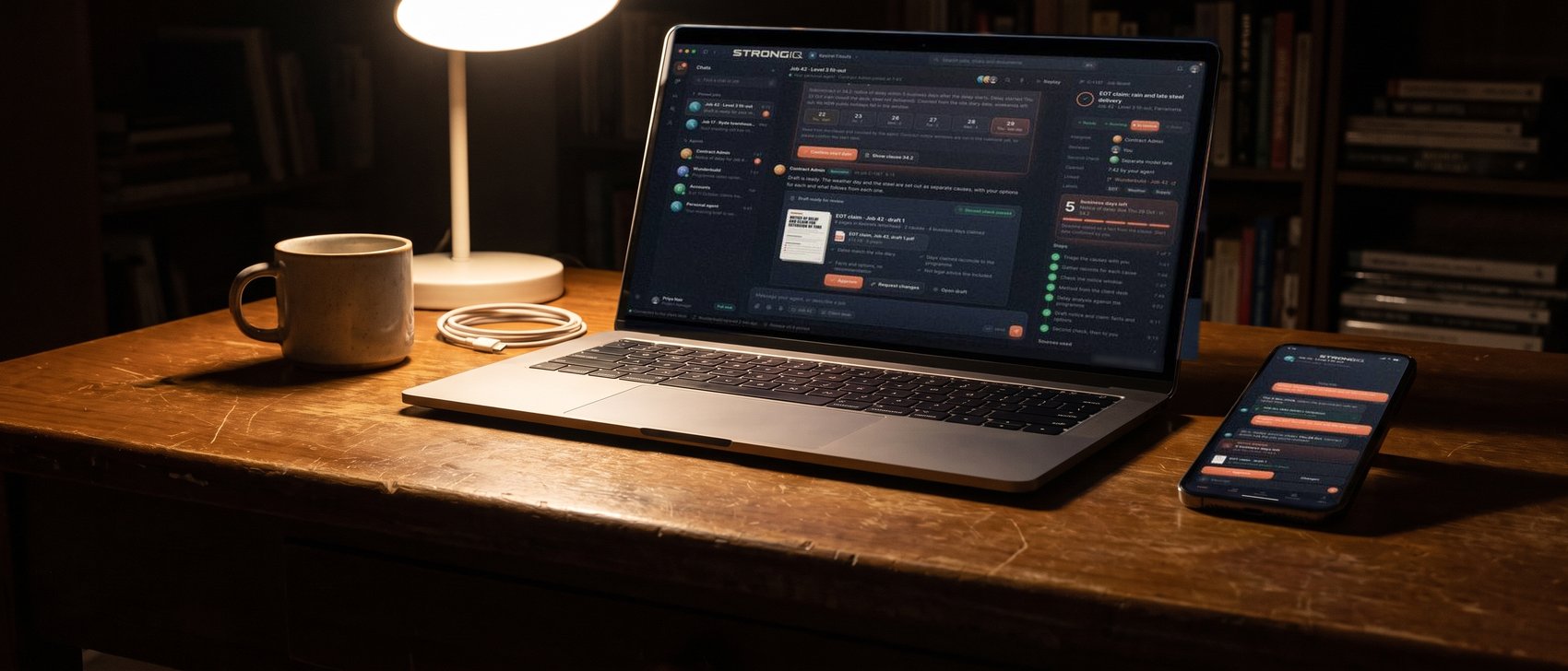
A laptop and a phone on a dark desk at night, both open on the StrongIQ app with a sample job.

Your PM sees what's due this week.Your crew checks the source on site.

One app for the job, the paperwork and the money. It prepares the first draft. Your people check it before anything goes out.

We'll show you what it looks like in your business.

1app on every desk and phone
2kinds of access: office and site
5sources behind every answer
0things sent without a person's yes

A day with the StrongIQ system.From the morning brief to sign-off.

The app on the desk, the phone on site, the owner's view, and who signs the draft.

What you get.Here is what your people work from.

SheetWhat you get
Parts5
Sheet no.S-01
Office screen1Phone2Board3Morning brief4Owner's view5
  1. Office screenThe job, the paperwork and the money, in one app.
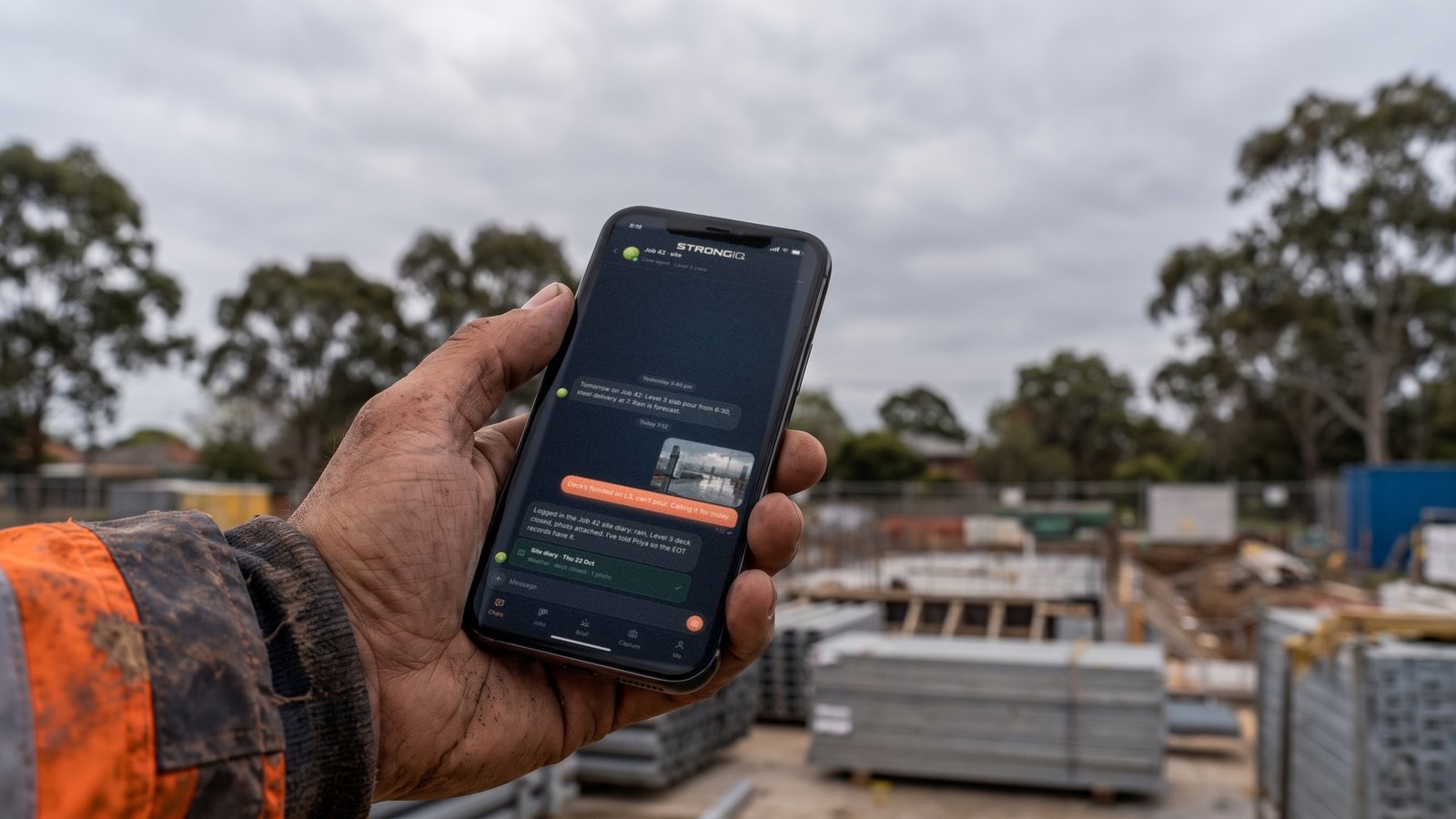
  2. PhoneJob details, site documents, safety questions, photos in.
  3. BoardClaims and notices against the job programme.
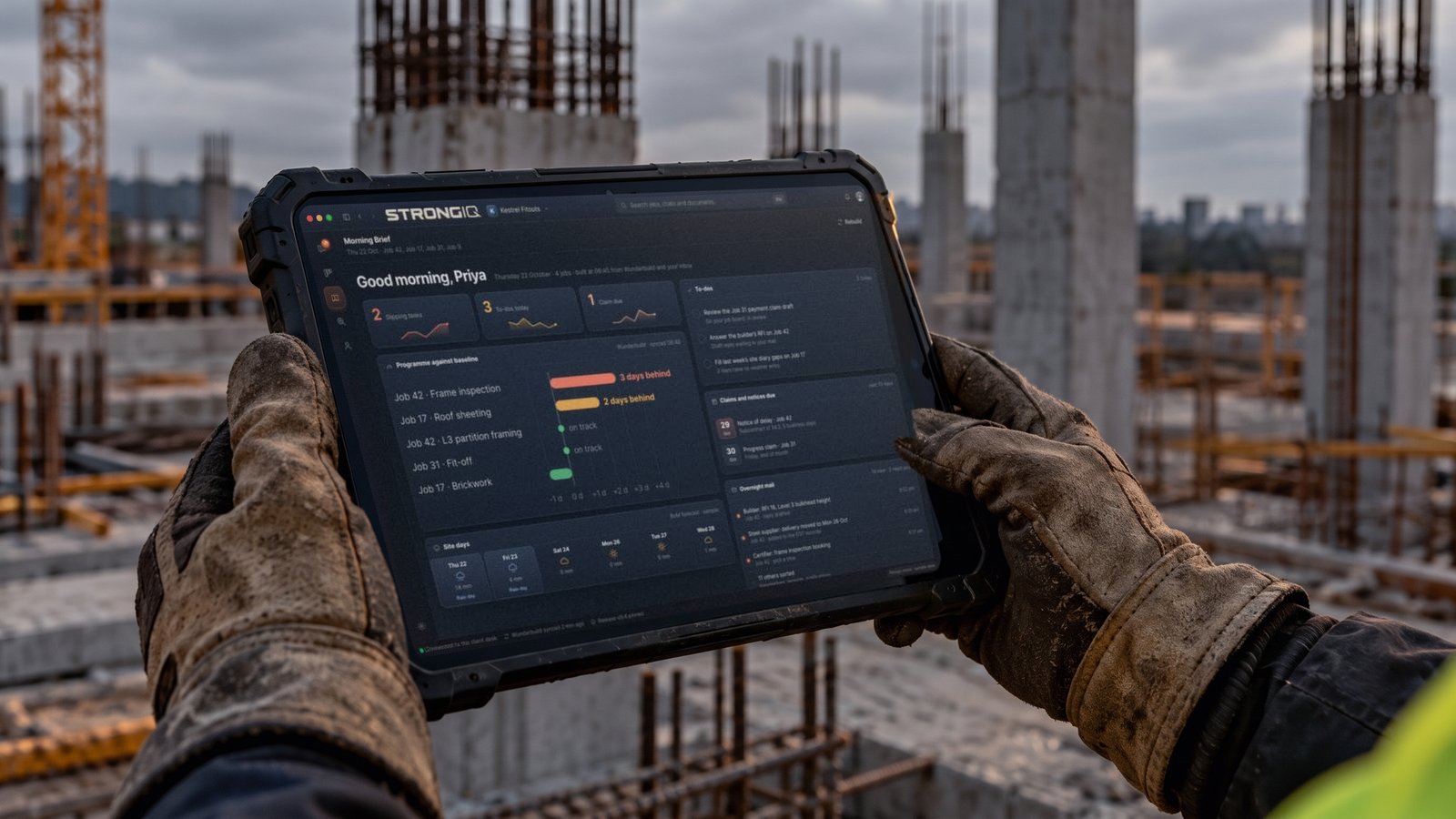
  4. Morning briefWhat needs attention today.
  5. Owner's viewThe score, the six parts, red flags and actions.

Which accounts it connects to is set out before you commit.

One job,from question to checked draft.

Job42, sample
Steps5
Sheet no.S-02
  1. 1The PM starts with the job and the delay.Job 42. Rain stopped the pour.
  2. 2The notice date is checked first.Before anything else, from the contract.
  3. 3The record is gathered.Diary, programme, photos, letters.
  4. 4A draft is prepared for review.With its gaps listed.
  5. 5The PM corrects it and signs off.A person decides what goes out.

Sample: made-up job
Gloved hands holding a tablet on a site at sunset, the StrongIQ app open on a sample job.
The PM starts with the job, on site or in the office.

The PM starts with the job.The draft comes back ready to review.

Try it. This is what your PM sees at 8:15 with a notice deadline running.

ViewChat
Job42, sample
Sheet no.S-03

The morning brief, on the phone.

What needs attention today, built before the first coffee. One notice date running on Job 42. A claim due Monday with photos missing.

Sample: made-up job

Questions for the job.Drafts for the work.

A question draws on the right source. A job produces a draft for your team to check. Your people stay in charge of the commercial decision.

WaysQuestion, job
DecisionYours
Sheet no.S-04
ABYour PMA questionThe right source, quoted, with the date.A jobA draft, with its gaps listed, to check.Your peopledecide
  1. 1Your PM asks onceA question, or a job.
  2. 2A questionThe right source, quoted, with the date.
  3. 3A jobA draft, with its gaps listed, to check.
  4. 4Your people decideBoth end with your people.

A question, answered while the PM waits.

Answer, worked out from the Act

Thu 5 Nov 2026

Payment schedule due on the claim served today, Thu 22 Oct.

“within 10 business days after the payment claim is served, whichever time expires earlier”NSW Security of Payment Act 1999, s 14(4)(b)(ii)

If the subcontract sets a shorter time, that one applies. Business days leave out weekends, public holidays and 27 to 31 December (s 4).

  • Source NSW Security of Payment Act 1999, s 14(4)(b)(ii). Version in force from 20 Aug 2024.
  • Source Business days, NSW 2026, s 4. Holidays retrieved 12 Sep 2026.

A job, drafted while the PM works.

  • Your people stay in charge of the commercial decision.

Where your stuff goes,and who can see it.

One way in, five sources behind it, and your records as the record.

One front door. Five sources.Every answer shows where it came from.

Answers come back quoted, with the source and the date. Pick a sample question and watch it find its source. Then switch to a client's view.

Explain plays four sample questions in turn, and asks each one on the desk as it goes.

Front door1
Sources5
Sheet no.S-05

If the record doesn't show the answer, it shows you the gap.

Who owns your records, and what crosses between your side and ours, is on Your records.

The crew gets the phone.Answers on site.

  • Job details. The job, the programme and who's on it.
  • Site documents. The drawing and the method statement, on the spot.
  • Safety questions. Answered with the source.
  • Photos in. Dated, tied to the job and the day.
  • No inbox.
AccessSite
DevicePhone
Sheet no.S-06
A hand holding a phone on a site at dusk, the StrongIQ app open on a sample job.
On site: the same app, on the phone.
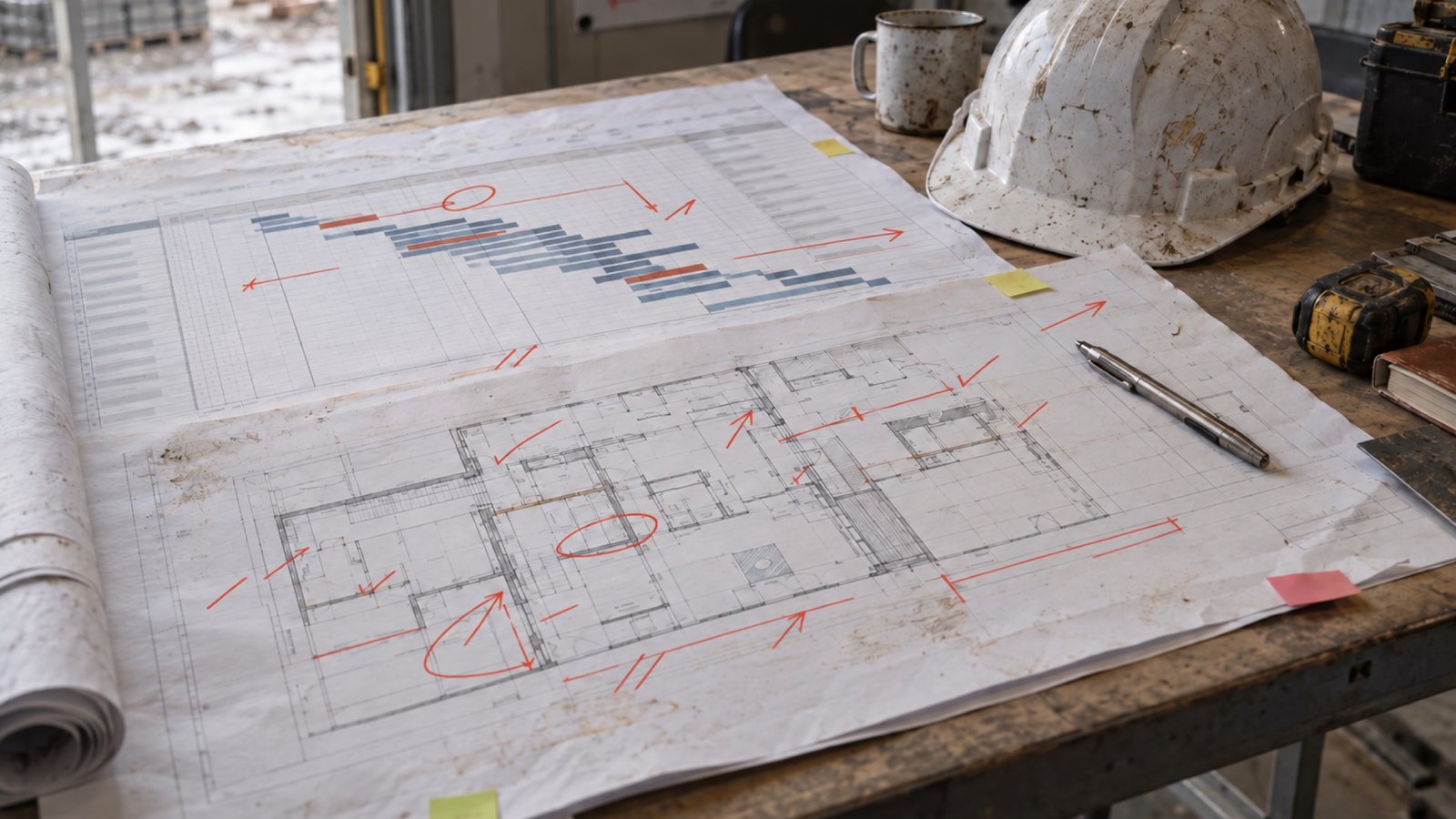
A printed job programme and floor plan, marked up in red pen, on a site office table beside a hard hat.

Claims and notices sit against the programme, with their due dates.

So your team can see what needs attention before a deadline passes.

Your own viewof the business.

Your owner view shows the score, the six parts, red flags and actions.

ViewOwner
Parts6
Sheet no.S-07
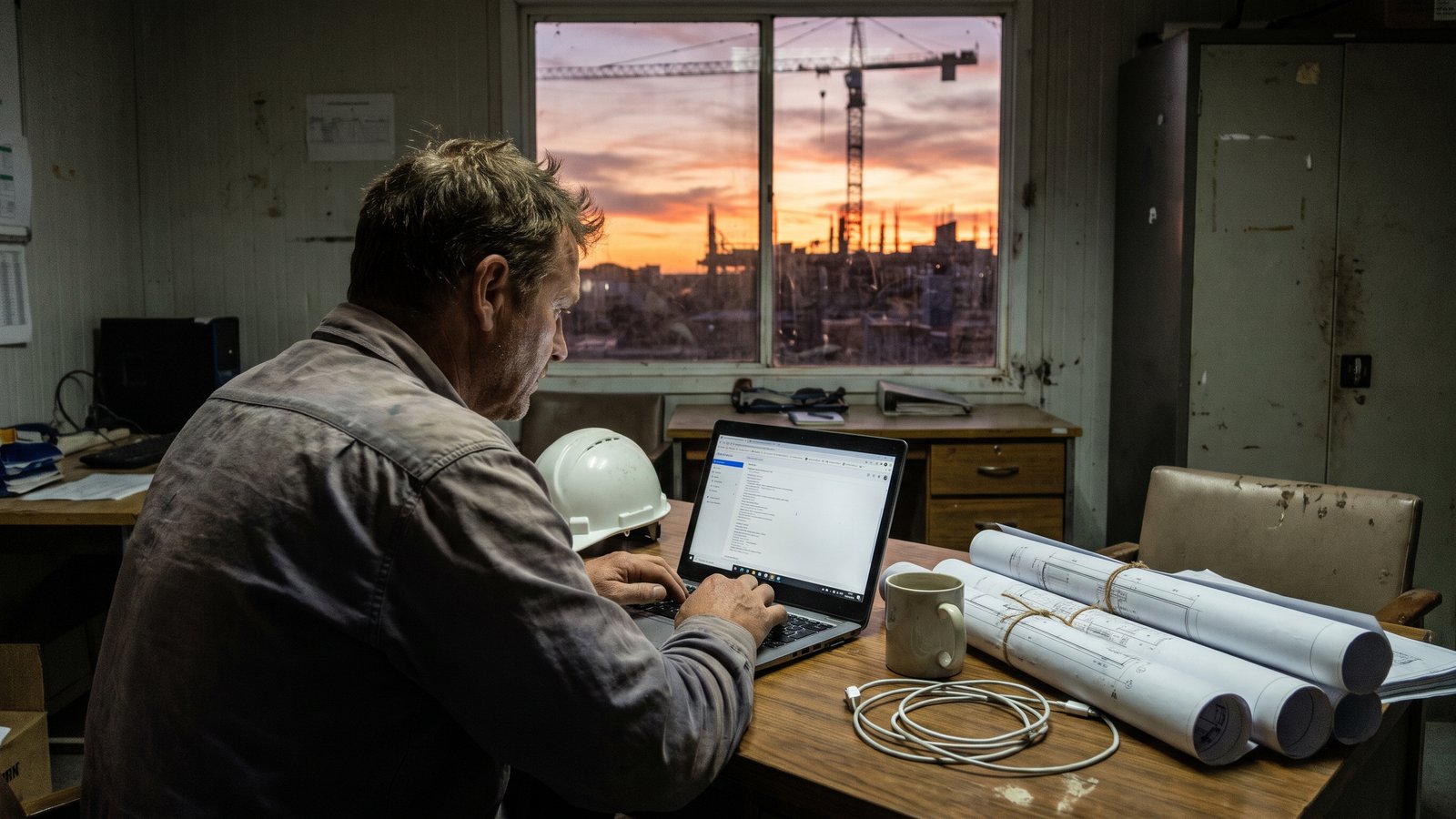
An owner at a desk by a window looking at a laptop, a building site and a crane outside at sunset.
The owner's view: the score, the six parts, red flags and actions.
A site office at dusk, a person at a screen and hi-vis on a hook.

Work that does not have to live in someone's head.

It brings job facts, notices, claims and actions into the same working view. Your people check the work before it goes out.

Office access and site access,priced for your business.

We show you the number before you commit.

AccessOffice, site
PriceBefore you commit
Sheet no.S-08

Office access and site access.

Officethe whole app, on the desk
Sitethe phone

Office access includes

The whole app, on the desk, for the PM, the estimator and the admin.

  • The morning brief. What needs attention today.
  • Claims and notices. Against the job programme, with their due dates.
  • Answers. Quoted, with the source and the date beside them.
  • Drafts. Prepared for your team to check before anything goes out.

Site access includes

The phone app, for the crew on site.

  • Job details. The job, the programme and who's on it.
  • Site documents. The drawing and the method statement, on the spot.
  • Safety questions. Answered with the source.
  • Photos in. Dated, tied to the job and the day.

What decides the number

  1. 1The access your people need. Office access for the desk, site access for the crew.
  2. 2What is in place for your business. We show you exactly what that is before you commit.
  3. 3Which accounts it connects to. Set out before you commit.

You see the number before you commit. The next step is a 20-minute business call.

Work we've done.Real jobs, not samples.

Real jobs for real trade businesses. Names and sites are left out, because this is their business and not ours to share.

JobsReal
NamesLeft out
Sheet no.S-09
One team

Work across a whole trade business

What happened. The owner of a specialist trade business was running everything himself, with no view of margin by job, no cash-flow forecast and cash tight.

Why it mattered. The books showed a profit but not which jobs made it, so a cash squeeze could arrive before anyone saw it coming.

The lesson. Control starts with seeing the numbers by job, before the month is out.

What we did. One team worked across the business: a scored diagnostic, a 12-month cash-flow forecast, a rebuilt chart of accounts, a contract review, variation claims, tender reviews, inspection plans and forms.

What came of it. On the variation claims, the builder's payment schedules showed nothing certified against variations on the first three claims, and more than $300,000 by the sixth. The rest of the work is still going.
Six

A variation job: work well past the lump sum, no priced claim lodged

What happened. A specialist subcontractor had done work well past its lump sum. No priced variation claim had gone in, and the builder had asked for the detail behind it.

Why it mattered. The subcontract gave seven days to put the variations in. Until they were priced and backed, that work sat at nil on the builder's payment schedules.

The lesson. A builder certifies what it can check. A variation with no breakdown behind it is easy to leave at nil.

What we did. Inside the seven days, we built six variation submissions, each itemised with its breakdown, data sheets and drawing references, and a cover letter answering the builder's nine-point information request.

What came of it. These submissions were part of the One team job for the same business. Its result is shown on that card, once.

StrongIQ is what Tim didn't have:the business side of the work, built properly.

We'll show you what it looks like in your business.

Book a 20-minute business call
Three people in hi-vis at a site office table, looking over drawings with a building going up outside.

Worried aboutyour records?

Your records are yours. Your files stay in your own Drive or OneDrive, and your job software and accounts stay in your own accounts. Each person reaches only what their role needs. If you leave, everything that is yours goes with you.

Your records
Book a business call